IRLToolkit Alternatives: What You Pay For, and When Free Is Enough
Compare IRLToolkit's cloud OBS pricing with cheaper relay services and free options, and find the IRL streaming setup that matches how you actually stream.
By VISP Team ·
IRLToolkit charges $129 per month for its Standard plan and $179 for Advanced. That buys a managed cloud OBS instance, SRTLA ingest, drop protection, and a dashboard your moderators can drive while you are outside. It is a real product solving a real problem, and for a full-time IRL creator the price is often justified.
It is also the wrong purchase for a lot of people who make it. Choose a cloud OBS service when you need scenes, overlays, and moderator control while you are away from a computer. Choose something cheaper when what you actually need is "get my phone camera to Twitch reliably."
This post is about telling those two situations apart.
The short comparison
| VISP | IRLToolkit | Streamable.run | IRLServer | BELABOX | |
|---|---|---|---|---|---|
| Price | Free during beta | $129–179 / mo | $120–180 / mo | $10–20 / mo | Hardware + your own server |
| Computer at home | Not needed | Not needed — cloud OBS | Not needed — cloud OBS | Required — you run OBS | Required — you run OBS |
| Phone app included | iOS, Android, browser | Bring your own encoder | Bring your own encoder | Bring your own encoder | Dedicated hardware encoder |
| Cellular bonding | SRTLA ingest — not in the app yet | Yes — SRTLA ingest | Yes — SRTLA ingest | Yes — SRTLA ingest | Yes — SRTLA, its own protocol |
| Scenes and overlays | Chat overlay; scenes in your own OBS | Cloud OBS included | Cloud OBS included | Your own OBS | Your own OBS |
| Drop protection | BRB card from the relay, plus a chat alert | Holding screen, moderator-driven | Holding screen, moderator-driven | Your own OBS | Your own OBS |
| Source available | GPL-2.0, self-hostable | Closed | Closed | Closed | Open source |
Public list prices, checked 14 August 2026.
Read the bonding row before the price row. VISP's relays accept SRTLA, so a BELABOX box or Moblin can aggregate Wi-Fi and two SIMs into one VISP stream today. What VISP's own phone app cannot do is bond by itself — it duplicates packets across links, which survives a dropout but does not add bandwidth. If you need aggregation and do not want to carry a second encoder, that gap is real. Skip to when to pay.
What the $129 actually buys
Three things, and they are worth separating because most people only need one.
A computer you do not own. Cloud OBS means an OBS instance runs on someone else's machine, so your home PC can be off. This is the part most buyers are really after, and it is the part that no longer requires a subscription.
Scenes, overlays, and alerts. A full OBS in the cloud gives you starting screens, chat overlays, sponsor bugs, and scene switching driven from a phone or by a moderator. If your show has production value beyond a camera, this is the reason to pay.
SRTLA bonding. Multiple network links aggregated into one pipe, from an encoder they support out of the box. For a creator whose stream is their income and whose route is unpredictable, this is insurance, not luxury. The holding screen that used to be bundled with it is no longer a paid-only feature — see the drop protection row above.
What VISP does instead
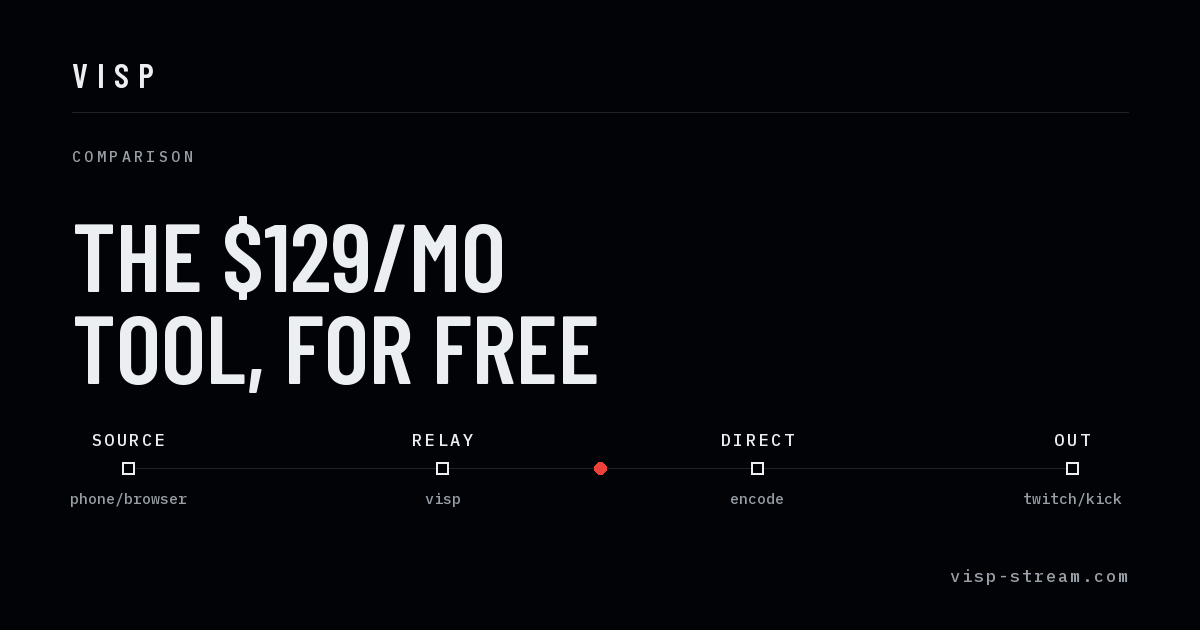
VISP moves the encode into the relay rather than into a cloud OBS. Your phone or browser sends one feed; the relay distribution-encodes it and delivers straight to Twitch, Kick, or YouTube. The computer at home stays off, and there is no OBS in the path unless you want one.
That covers the first item on the list above, and covers it for free during the beta. It does not give you cloud scenes, and the phone app does not aggregate bandwidth — though the relay will accept an SRTLA sender that does.
Three things it does that the paid services do not:
- The phone app is part of the product. iOS, Android, and a browser publisher, rather than "configure Larix or Moblin yourself." Details in the phone app docs.
- Chat is told when the signal drops. The relay knows the difference between a dropout it is holding on a BRB card and a stream that ended, and posts the right one to Twitch, Kick, and YouTube chat. Details in IRL chat bot alerts.
- Your stream key never reaches the device. VISP resolves authorized platform credentials on the server while starting the output and never returns them to the publisher. A lost or borrowed phone does not leak your key. Compare that to pasting a key into a third-party encoder, as covered in adding a remote guest to OBS without a stream key.
If you later want scenes, the same contribution feed can be read in your own OBS without disturbing the platform encode. That is the phone as a remote camera workflow, and it is additive rather than a different product.
When paying is the right call
Be honest about which of these describe you:
- You need bonding from one pocket-sized device. VISP's native app duplicates packets across Wi-Fi and cellular, which survives one link dropping, but two half-speed connections do not add up to one fast one. Point a BELABOX box or Moblin at VISP's SRTLA port and you get real aggregation for free — if carrying that second encoder is not an option, buy a service that bonds inside its own app.
- A moderator runs your production while you walk. Cloud OBS with dashboard access is built for exactly this.
- Your show is scene-heavy and you are never near a computer. Cloud OBS.
- Downtime costs you money. A support contract with someone on call is worth $129 to a full-time creator, and the calculus is different from a hobby. The holding screen itself is not the thing you are buying any more.
When free is enough
- The phone is the whole show — a walk, a ride, an event, a talking-head segment.
- You want to try IRL streaming before committing to a subscription.
- You already have OBS at home and only need the camera to arrive reliably.
- You want to stream to Twitch, Kick, and YouTube without a machine running at home, which is the no-PC workflow.
Switching, or just testing
Nothing here requires a decision in advance. Authorize a platform once, publish from the phone app or the browser, and see whether the missing pieces actually matter to your show. If they do, the paid services are still there, and you will know precisely which feature you are buying instead of guessing.
If it turns out you need bonding, we would rather you spent the money on a BELABOX box than on a subscription — it publishes straight into VISP over SRTLA, and our comparison of BELABOX and LiveU Solo covers where each one fits. Setup is in the broadcaster setup docs.
Test the difference before subscribing
Use the same route, phone, resolution, and target bitrate for a fair comparison. First run the simplest path directly through VISP. Record where the connection becomes unstable, whether the phone overheats, and whether viewers actually miss scenes or overlays. Then trial a bonded or cloud-OBS service on the same route. Changing the route and encoder at the same time makes the result meaningless.
Watch the finished platform broadcast, not only the preview on the phone. Check speech intelligibility, motion detail, time spent buffering, and recovery after airplane mode or a deliberate Wi-Fi disconnect. Ask a moderator to note the times of visible failures so they can be matched to relay and encoder health.
The test may show that cloud OBS solves a production problem but not the weak radio segment, or that bonding fixes the route while scenes add no value. Those are different purchases. A service combining both can still be convenient, but you should know which capability earns the monthly fee.
Account for the whole workflow
The field connection is only one part of reliability. A home OBS workflow also depends on home power, home upload, operating-system updates, and remote access. A managed cloud OBS removes those household dependencies and can be worth paying for even on an excellent mobile connection. Direct relay output removes the OBS machine entirely, which is simpler still when the camera feed is the finished program.
Think about who operates the stream when something breaks. A solo creator needs controls that are safe to use while moving. A team may benefit from a moderator dashboard and a cloud scene switcher. Do not pay for collaborative controls that no one will operate, and do not expect a solo workflow to cover a staffed show.
There is also an exit-cost question. Keep copies of scene assets, document encoder settings, and avoid making the only version of a show depend on a proprietary dashboard. VISP is GPL-2.0 and self-hostable; a hosted alternative may offer more convenience and support. Neither property automatically wins, but it changes what happens if pricing, limits, or your production needs change.
The practical answer is therefore deliberately narrow: use VISP while transport and direct delivery are enough, with a BELABOX box in front of it if the route demands bonding. Pay IRLToolkit, Streamable.run, or another specialist when the show actively uses a remotely operated studio, or when you want bonding without carrying a separate encoder. That boundary keeps the free setup honest and makes the subscription easy to justify when you cross it.
Bring the field into your OBS studio
Try VISP free during beta. You never have to paste a stream key anywhere.
Try VISP free