How to Add a BRB Screen to a Phone IRL Stream Without OBS
Add a BRB screen to a phone IRL stream without OBS, keep Twitch or Kick receiving video during a disconnect, and test recovery before going live.
By VISP Team ·
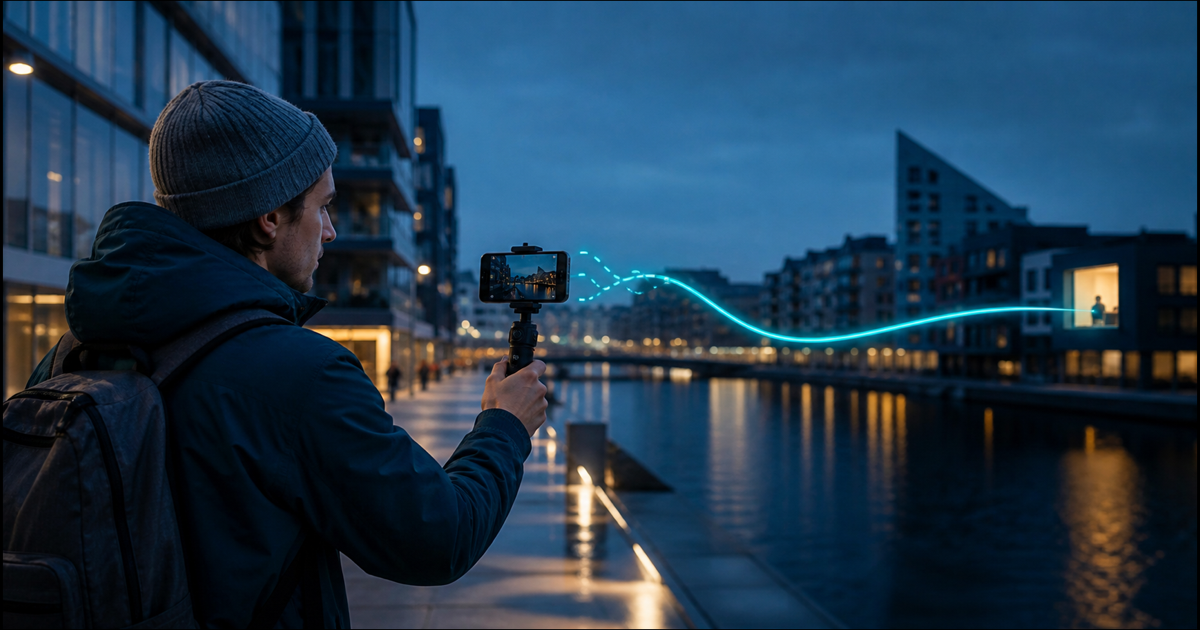
A BRB screen gives viewers something intentional to watch when a phone IRL stream loses its mobile connection. The usual way to create one is to keep OBS running at home or in the cloud. With VISP Direct, the relay can now hold the Twitch or Kick output open and replace the missing phone feed with a simple BRB card instead.
That distinction matters: the phone may be offline, but the encoder connected to the platform is still running. When the phone reconnects, the live picture replaces the card automatically. You can get that recovery layer without leaving a PC on, although it does not repair the phone connection or make a bad route reliable.
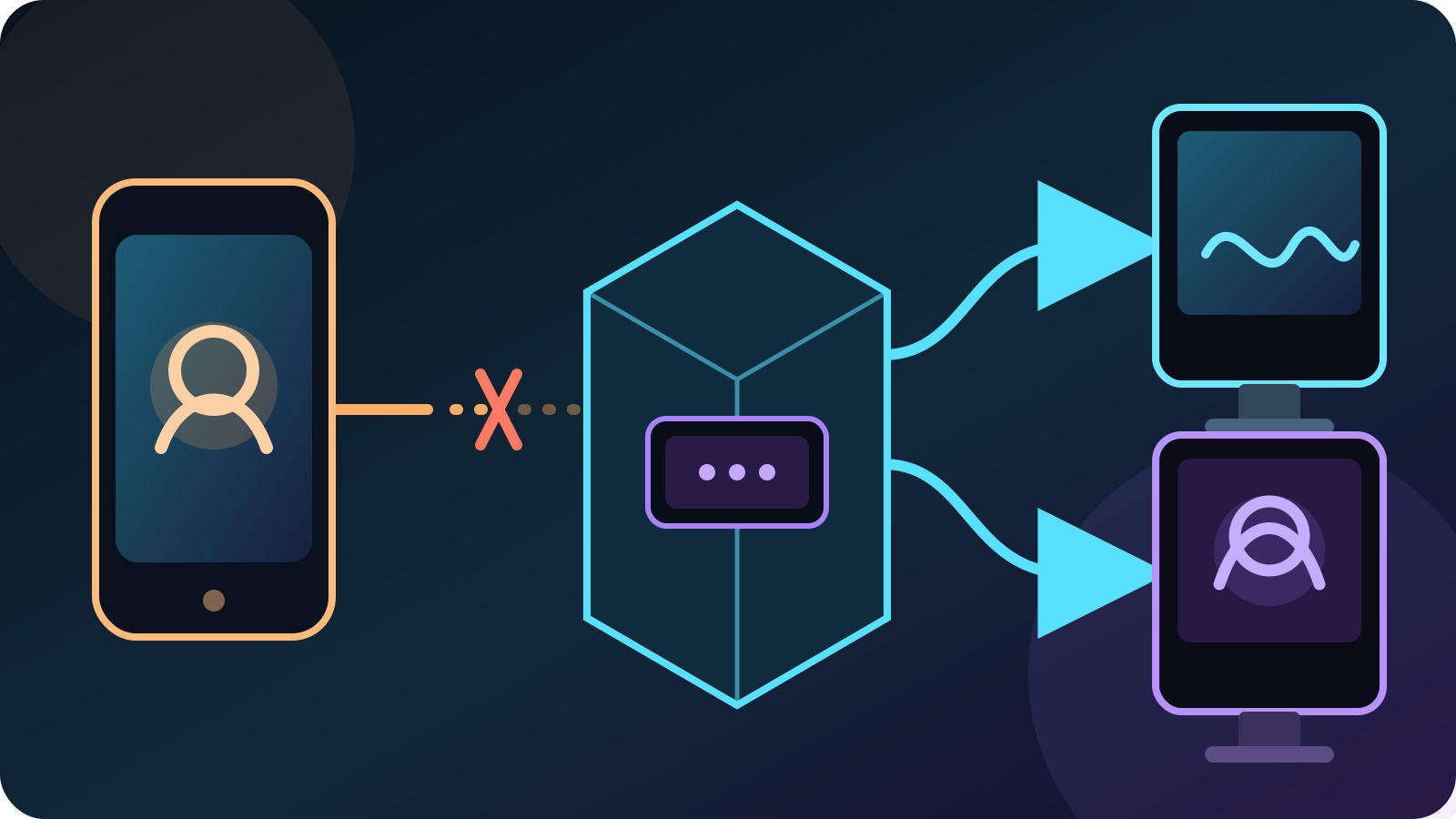
Why a phone disconnect can end the public stream
Twitch describes a broadcast as an encoder sending video over RTMP to a Twitch ingest server in its video broadcasting documentation. If a phone publishes straight to a platform, losing the phone's upload also removes the platform-facing encoder.
The visible results vary by platform and by the length of the interruption. Twitch offers its own Disconnect Protection, which can show a temporary message for up to 90 seconds and keep the recorded VOD continuous if the encoder reconnects in time. Kick's official missing-VOD guide notes that a disconnect and reconnect can split one broadcast into multiple VODs.
A server-side BRB screen changes the path. The phone contributes one feed to VISP, while Direct owns the outgoing Twitch or Kick connection. If the contribution disappears after Direct is already live, the relay swaps its distribution encode to a card instead of dropping the destination. The platform continues receiving H.264 video and stereo AAC silence.
What VISP shows while the phone is offline
Open the BRB tab on the VISP dashboard. Under Never drop again, choose one of three BRB backgrounds:
- Latest snapshot uses a recent frame from the live phone feed and softens it so the paused state looks deliberate.
- Custom image accepts a PNG or JPEG up to 5 MB. Use a clean 16:9 image whose important details are not near the edges.
- Solid black is the safest option when privacy matters or the last camera frame should not remain visible.
VISP draws your short message over the background. Keep the wording useful at a glance: “Signal lost — reconnecting” tells viewers more than a joke that may not make sense five minutes later.
The card has no program audio. If music, a host microphone, alerts, or a fully produced fallback must continue, use OBS instead. The Direct card is a continuity layer for a complete phone program, not a remote scene editor.
Set up a BRB screen without OBS
First finish the normal VISP Direct setup. Direct must be authorized and enabled for Twitch, Kick, YouTube, or any combination while the publishing device is offline.
Then configure the card:
- Sign in to the VISP dashboard and open the BRB tab.
- Turn on Show a BRB card when my stream drops.
- Write a short message that works for an unplanned interruption, then choose Save message.
- Choose Latest snapshot, Custom image, or Solid black.
- If you use a custom image, upload a PNG or JPEG and check the preview.
- Start the phone stream and confirm that each Direct destination reaches its live state.
The switch must be enabled before the contribution disappears. A card can only hold a Direct forwarder that is already running; it cannot rescue a destination that never started because authorization failed or the relay was at capacity.
VISP keeps one independent forwarder per destination. A Twitch card and a Kick card therefore consume the same Direct encoder slots that their live outputs used. One destination can stop or fail without forcing the other one down.
Test the failure before a real IRL stream
Do not make the event your first reconnect test. Use a low-stakes broadcast and watch it from a second device with its audio muted.
- Start the phone feed and wait until Twitch or Kick is visibly live.
- Confirm the correct camera and audio on the public channel.
- Disable both Wi-Fi and cellular on the publishing phone, or move it onto a deliberately blocked test network.
- Verify that the public video changes to the chosen BRB card and that the VISP dashboard reports the held state.
- Restore the phone connection and restart publishing if the client does not reconnect by itself.
- Confirm that the camera replaces the card, audio returns, and the public broadcast remains the same session.
- Stop from the dashboard if the phone will not return; a BRB card is a temporary recovery state, not an unattended channel.
Repeat the test for every selected platform. Watching the local camera preview only proves that the phone can capture video. The public channel is the check that covers the entire phone-to-relay-to-platform path.
What a BRB card does not solve
It does not create mobile bandwidth. The card begins after the contribution has already failed. Lower bitrate, route testing, and appropriate link redundancy still reduce how often viewers need to see it. The bad-mobile-network guide covers those earlier layers.
It does not replace packet recovery. SRT can recover packets while enough connectivity remains. The BRB card handles the larger event in which the publisher is no longer delivering a usable feed.
It is for Direct output. If OBS owns the Twitch or Kick broadcast, VISP continues exposing the phone as an OBS source and OBS should own the fallback scene. Do not enable Direct and send OBS to the same destination at the same time.
It cannot preserve live phone audio. The card carries silence. A remote host, playlist, or announcements require an output path that still has those sources, usually OBS.
It does not make every interruption invisible. Viewers will see the card, and the swap still depends on the relay, VISP app host, and platform connection remaining healthy. A relay restart or destination failure is a different fault from a lost phone ingest.
When Direct is the right recovery layer
Use the Direct BRB card when one phone already contains the complete show and you want the fewest moving parts. It pairs naturally with a walking stream, a single-camera event, or a Twitch-and-Kick simulcast that should not depend on a home computer. The guide to streaming without a PC explains the rest of that setup.
Keep OBS when the fallback itself is part of the production: a host should keep talking, music should continue, sponsors need a designed scene, or several cameras must remain available.
The practical choice is simple. Put the recovery scene in the component that still owns the platform output when the phone disappears. For VISP Direct, that component is the relay. For a home-studio workflow, it is OBS.
If a no-PC BRB screen fits your IRL setup, try VISP, enable Never drop again, and rehearse one real disconnect before your next Twitch or Kick broadcast.
Bring the field into your OBS studio
Try VISP free during beta. You never have to paste a stream key anywhere.
Try VISP free