IRL streaming & OBS guides
Build reliable IRL stream setup without giving up the OBS studio, scenes, alerts, and controls you already know.
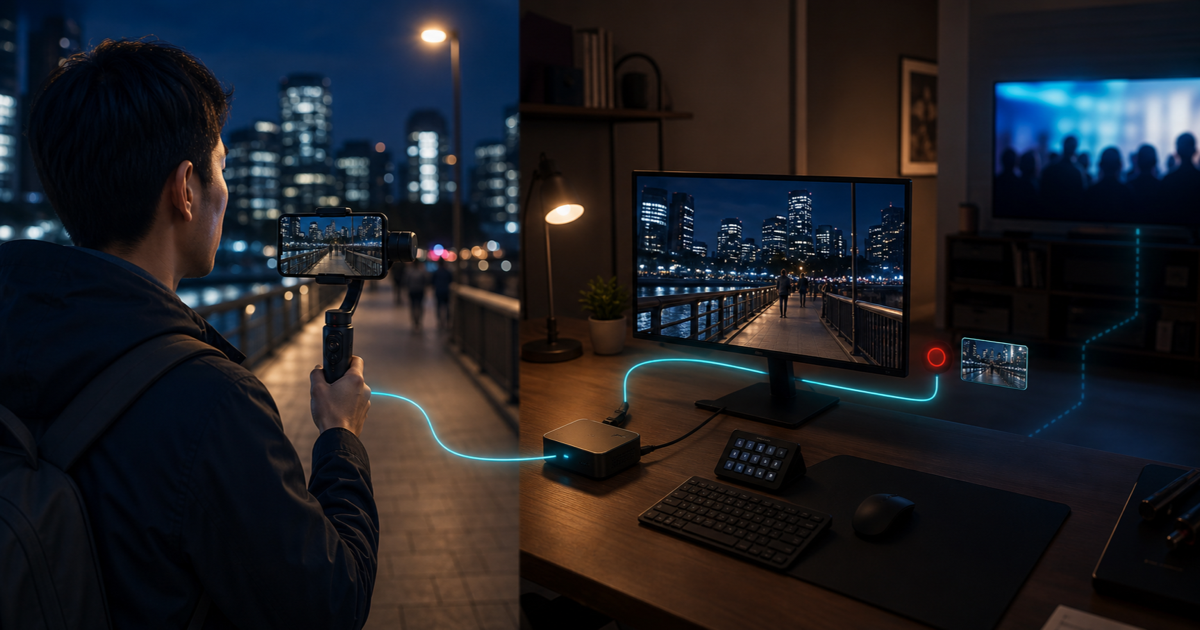
How to Test an IRL Stream Before Going Live on Twitch or Kick
Test a phone IRL stream off-air through VISP and OBS, then check Twitch Inspector or plan a short Kick verification without risking the main show.

Best Phone Camera Settings for IRL Streaming at Night
Set up a phone for night IRL streaming on Twitch or Kick: choose 30 FPS, the right lens, useful lighting, stable bitrate, and restrained OBS correction.
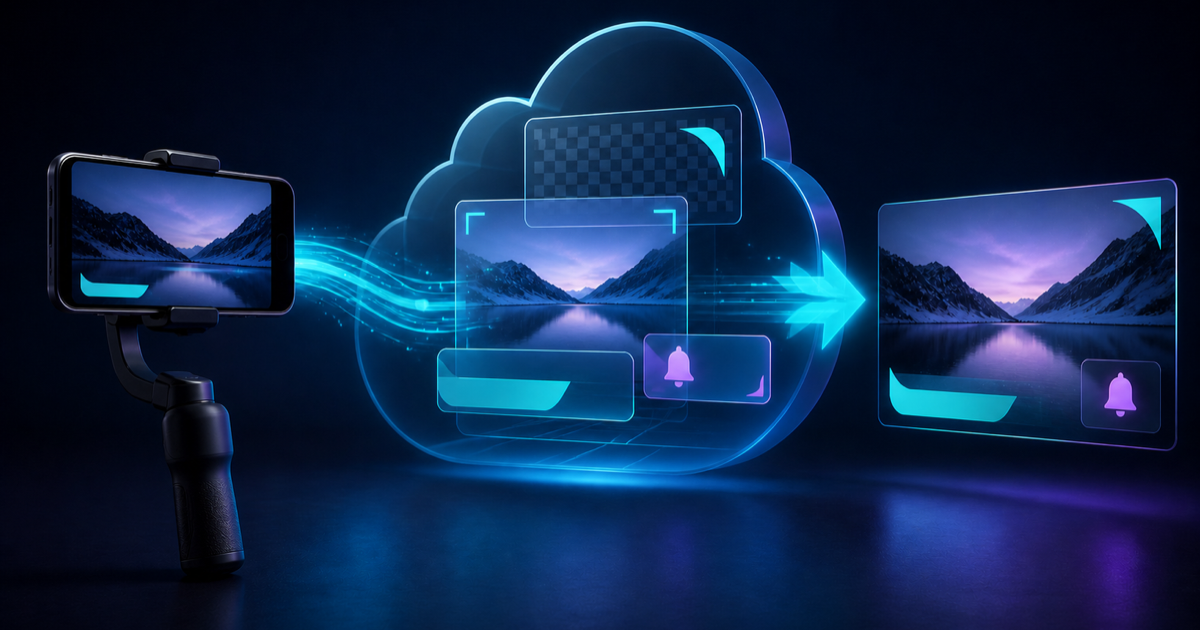
How to Add Overlays to a Phone IRL Stream Without OBS
Add scenes, PNG graphics, browser overlays, and live alerts to a phone IRL stream with VISP Cloud Studio, without running a home PC.
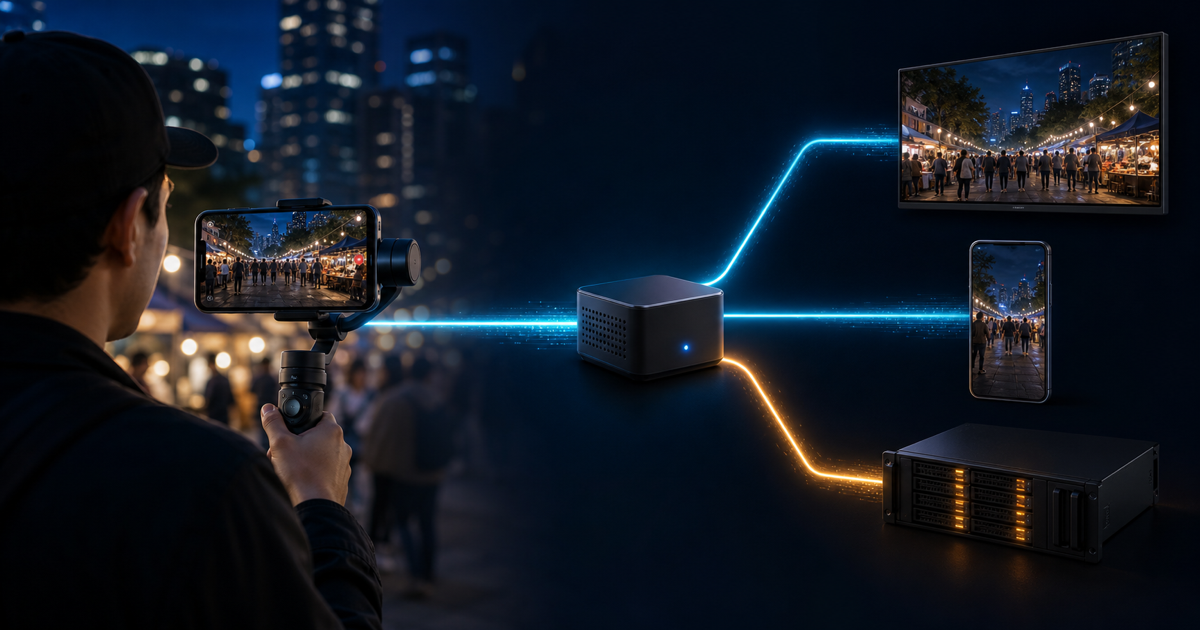
How to Multistream From Your Phone to Twitch, Kick, and Custom RTMP
Send one phone IRL feed to Twitch, Kick, YouTube, and a custom RTMP, RTMPS, or SRT endpoint with VISP Direct and no OBS output.

How to Stream Landscape to Twitch or Kick and Portrait to YouTube
Send one phone stream horizontally to Twitch or Kick and vertically to YouTube, with separate 16:9 and 9:16 frames, one upload, and no OBS PC.

30 FPS vs 60 FPS for IRL Streaming: Which Should You Use?
Choose 30 or 60 FPS for a phone IRL stream based on motion, mobile bandwidth, battery, low light, OBS output, and real route tests.
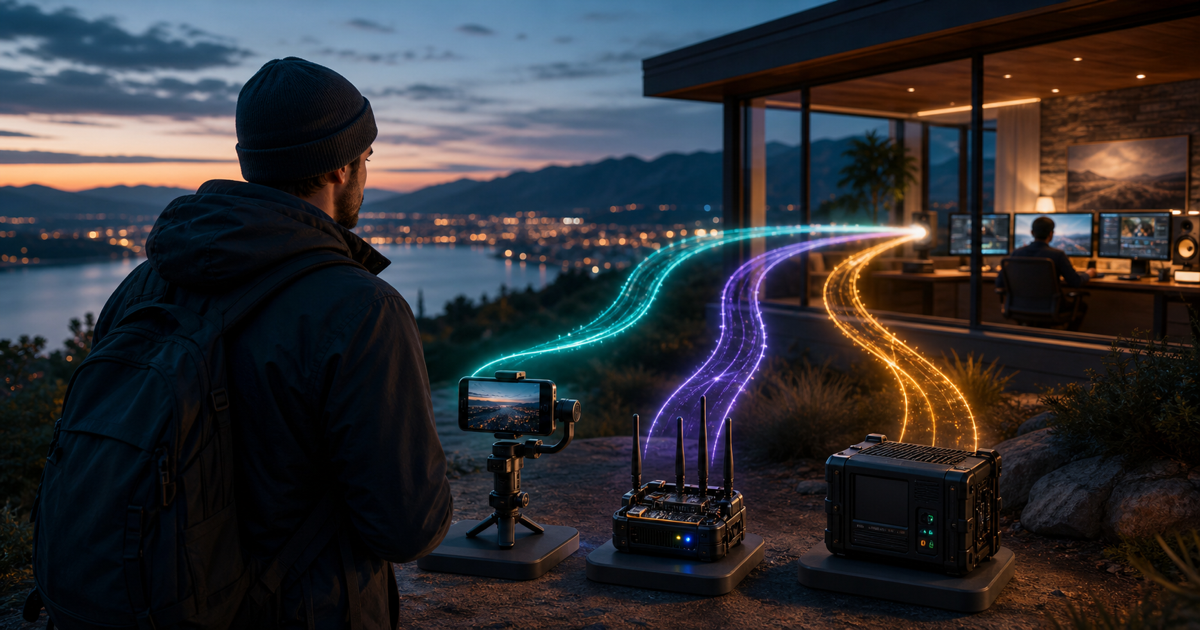
BELABOX Alternative for IRL Streaming: Phone, SRTLA, or Hardware?
Compare practical BELABOX alternatives for IRL streaming, from a phone and VISP to SRTLA apps and managed broadcast hardware.
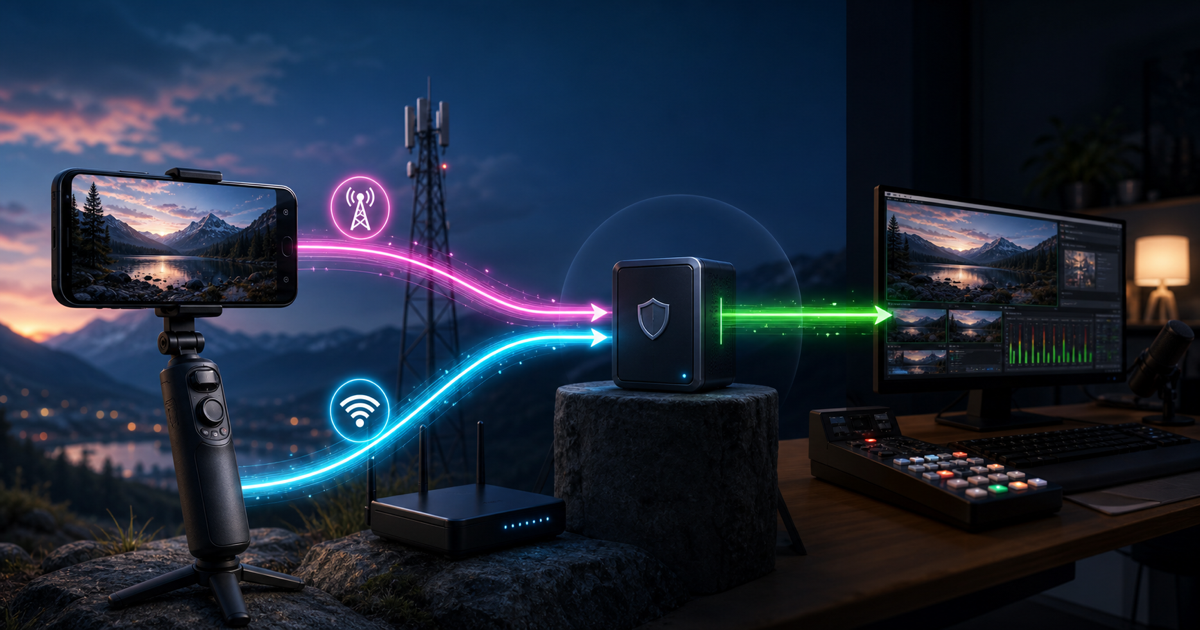
How to Use IRL Pro With OBS Over SRT or SRTLA
Connect IRL Pro on Android to OBS through VISP, choose plain SRT or bonded SRTLA, protect credentials, and test mobile recovery.

IRLToolkit Pricing Explained: What $129 or $179 a Month Buys
See IRLToolkit's current Standard and Advanced pricing, what each cloud OBS plan includes, and when a simpler VISP workflow fits.

VDO.Ninja Alternative for OBS: When Persistent Camera Access Matters
Choose a VDO.Ninja alternative for OBS by comparing browser guests, persistent camera credentials, SRT transport, and privacy tradeoffs.
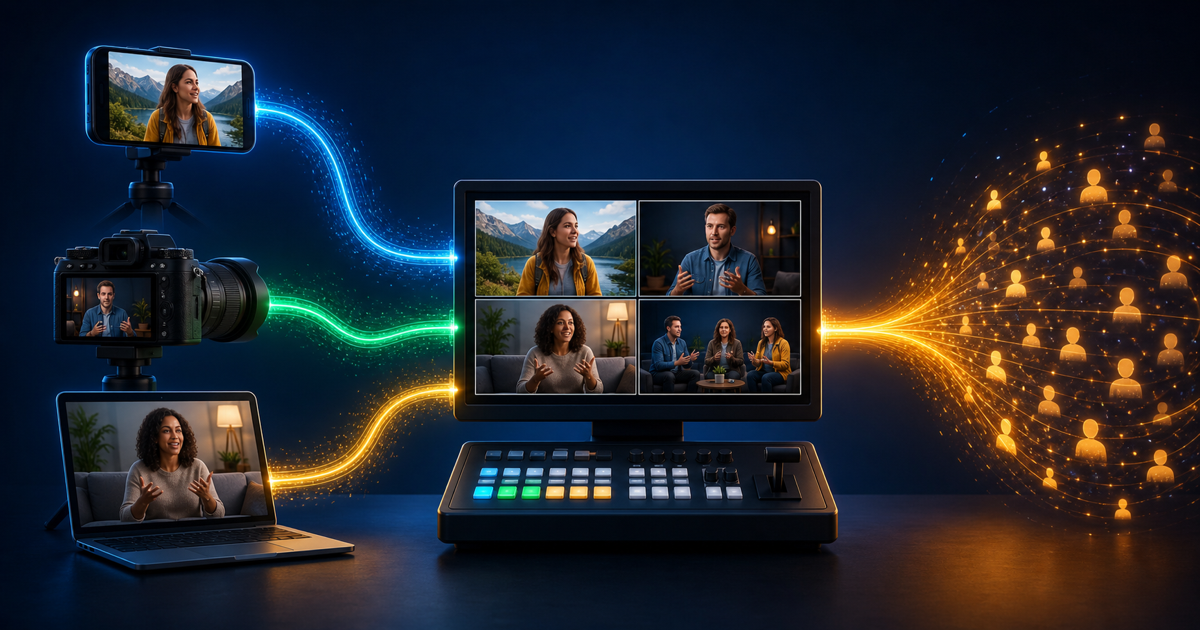
What Is a Video Source? How to Add Phone Footage to OBS
Learn what source footage and video sources mean in live streaming, then connect a phone, camera, or remote encoder to OBS safely.
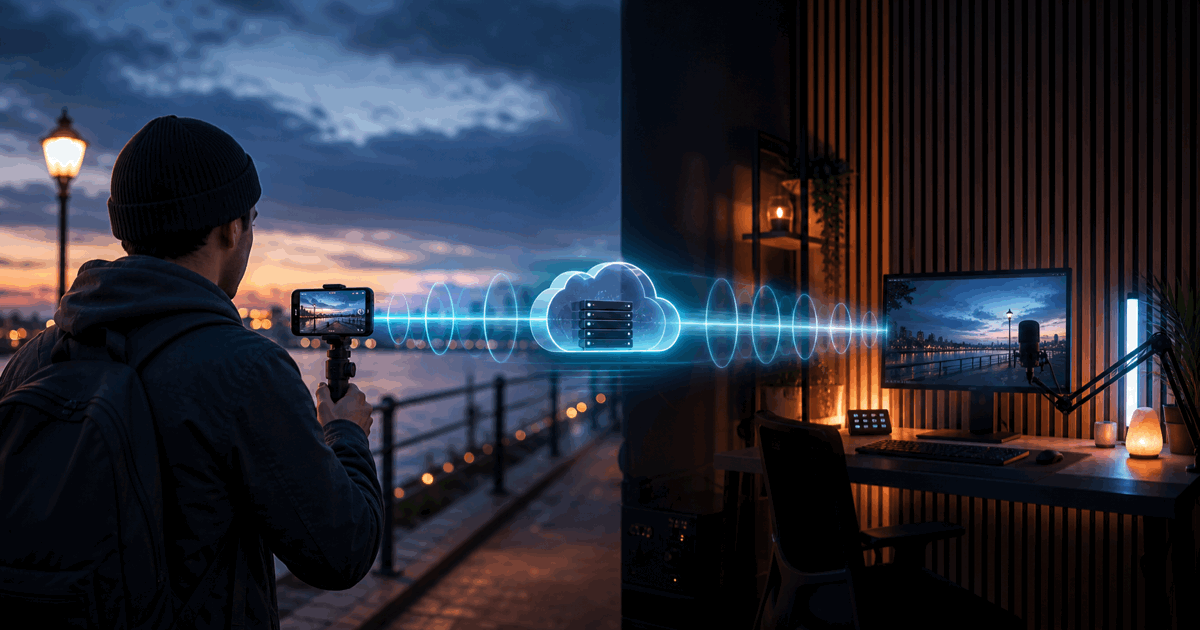
Why Is My IRL Stream Delayed? Phone-to-OBS and Twitch/Kick Latency
Find where IRL stream delay enters the phone-to-OBS-to-Twitch or Kick path, then reduce latency without sacrificing mobile reliability.
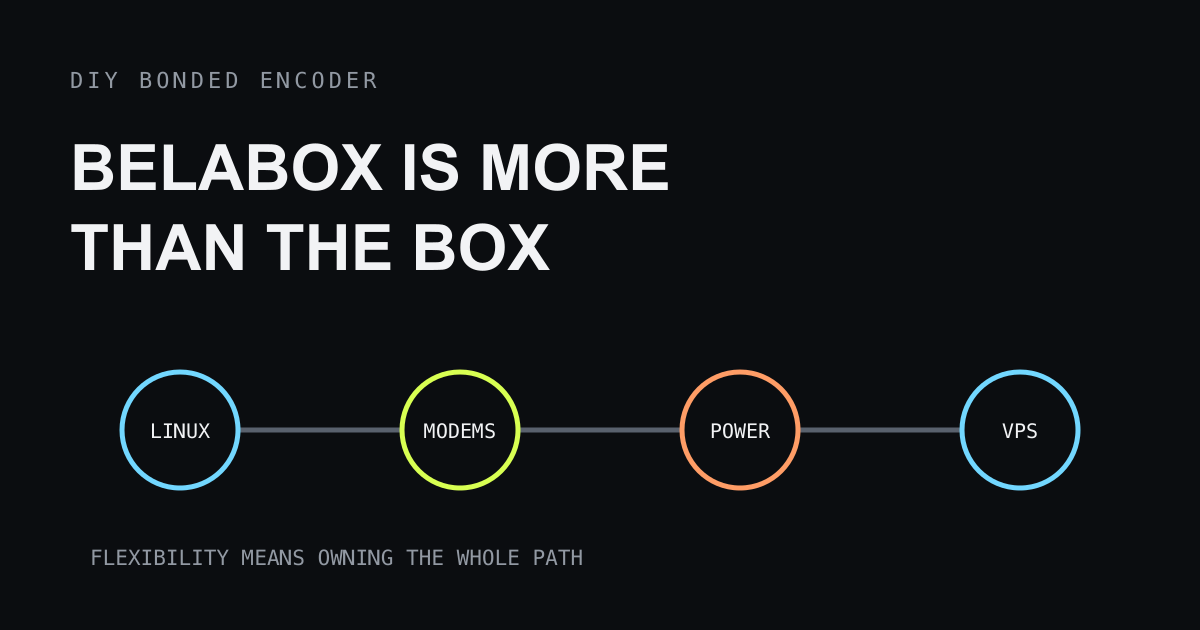
DIY BELABOX Setup: The Real Cost of Building It Yourself
Understand the Linux, modem, hardware, and VPS work behind a DIY BELABOX build, then decide whether the flexibility is worth owning.
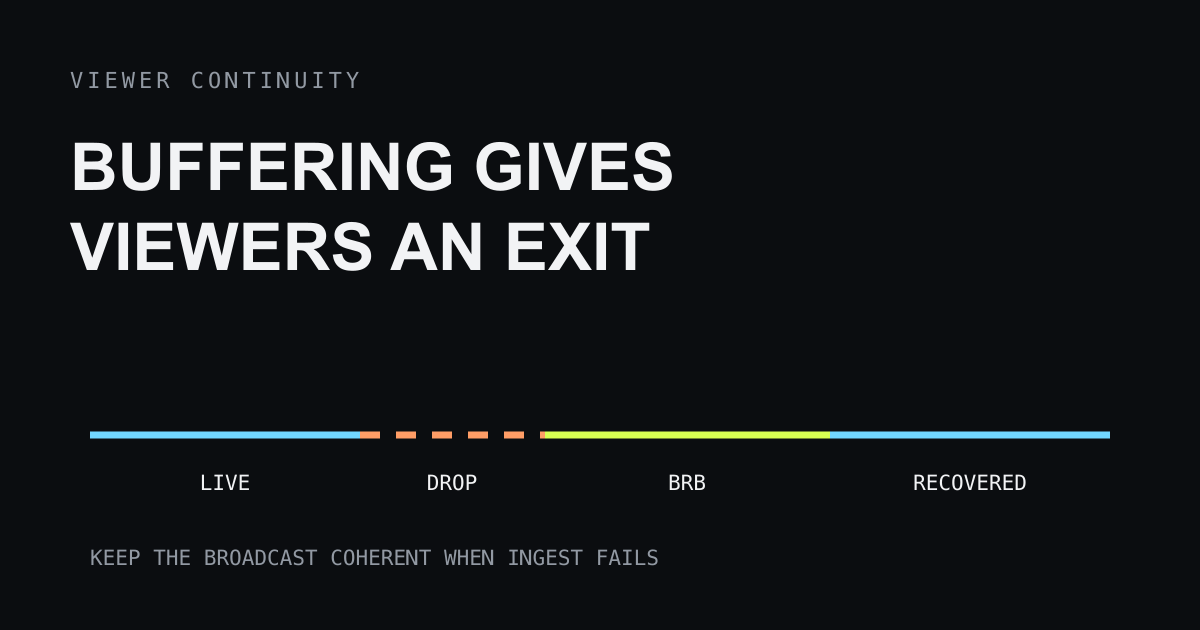
IRL Stream Reliability: Why Buffering Costs You Viewers
Learn why buffering and ingest drops lose IRL viewers, and design BRB, reconnect, chat, bitrate, and bonding behavior that keeps the show coherent.
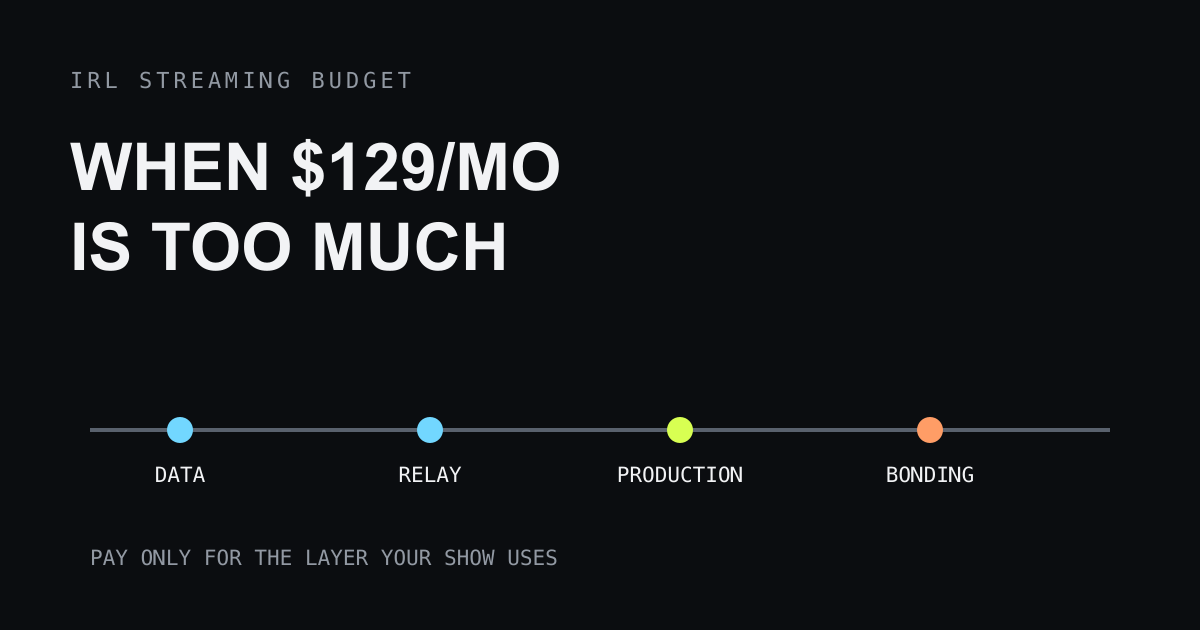
IRL Streaming Costs: When $129 a Month Is Too Much
Understand the fixed monthly costs behind IRL streaming, decide whether a $129 cloud service fits, and build a reliable lower-cost setup.
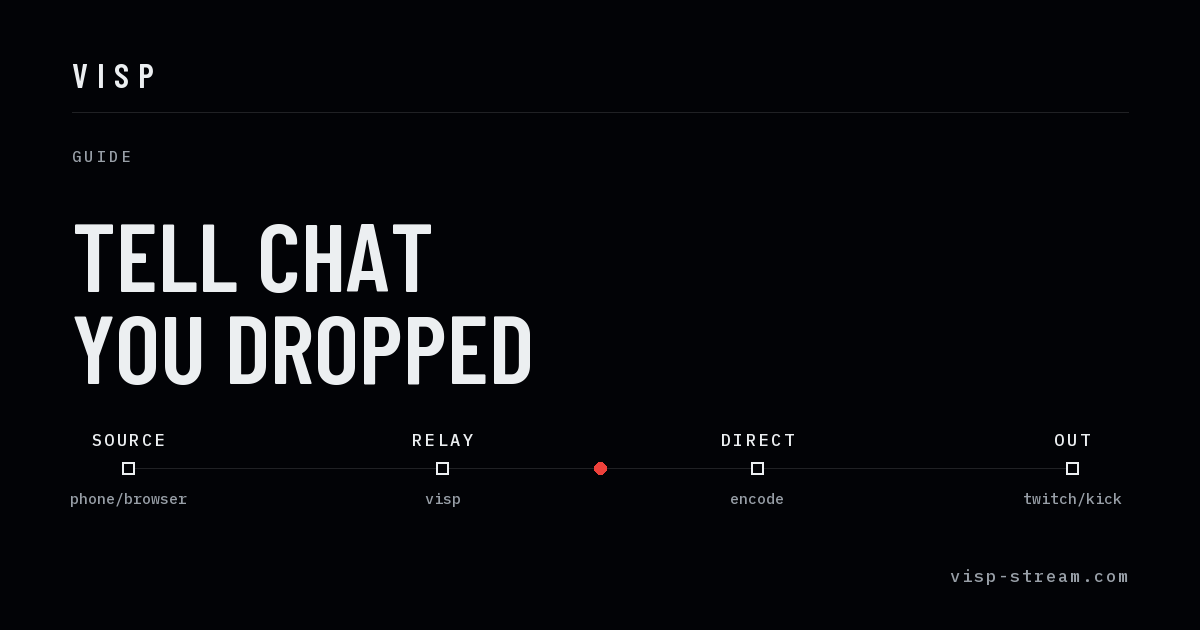
IRL Chat Bot Alerts: Tell Chat You Dropped Before They Ask
Post live, BRB, and back alerts to Twitch, Kick, and YouTube chat server-side, with no PC and no cloud OBS, plus commands like !bitrate.
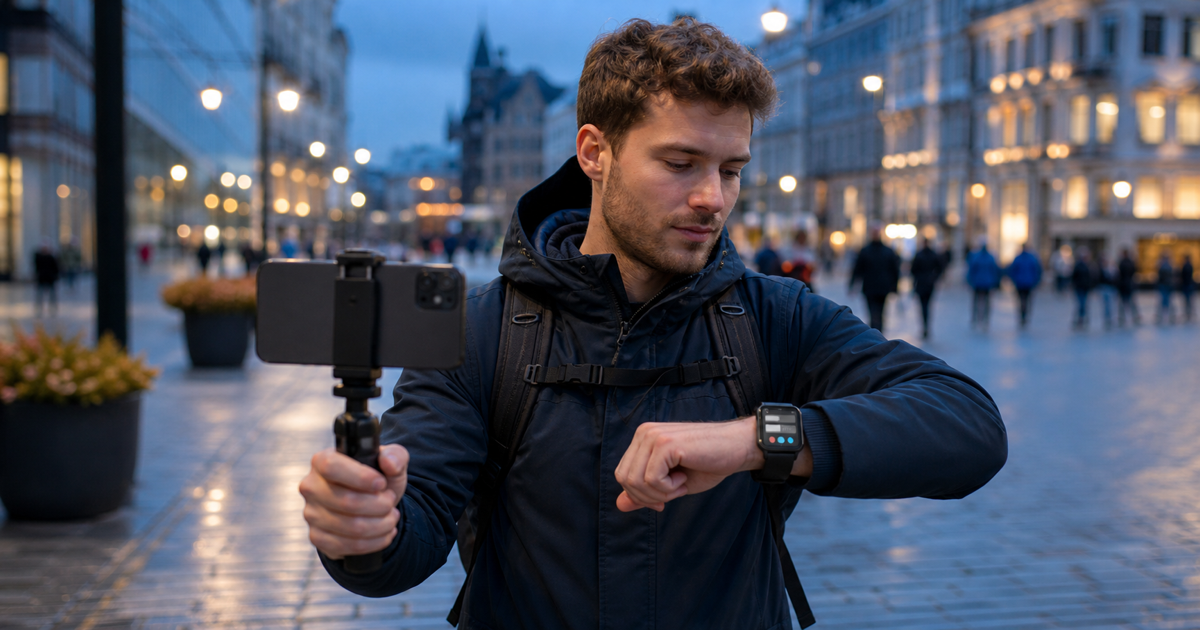
How to Use Apple Watch for Twitch and Kick IRL Streaming
Read Twitch and Kick chat, check stream health, preview your camera, and switch OBS scenes from Apple Watch during an iPhone IRL stream.
How to Stream to Twitch Without a PC at Home
Go live on Twitch, Kick, or YouTube from a phone or browser with no computer running at home, and learn what you give up by leaving OBS out of the path.
IRLToolkit Alternatives: What You Pay For, and When Free Is Enough
Compare IRLToolkit's cloud OBS pricing with cheaper relay services and free options, and find the IRL streaming setup that matches how you actually stream.
Streamable.run vs VISP for IRL Streaming
Compare Streamable.run cloud OBS and bonding with VISP's free phone-to-platform relay, including cost, production features, and network tradeoffs.
The Cheapest IRL Streaming Setup in 2026
Build a reliable IRL streaming setup from a phone, free software, and an optional relay before spending money on bonding hardware or cloud OBS services.

How to Stabilize a Shaky Phone IRL Stream in OBS
Stabilize a shaky phone IRL stream before it reaches OBS: choose a supported camera mode, handle the phone well, and test crop, latency, and motion.

How to Stream Vertical and Horizontal on Twitch From Your Phone
Send one phone IRL feed into OBS, build linked horizontal and vertical scenes, and publish both with Twitch Dual Format Streaming.

How to Reduce Wind and Background Noise in iPhone IRL Streams
Reduce wind and background noise in iPhone IRL streams with mic placement, VISP audio isolation, OBS filtering, and a repeatable field test.

OBS Dropped Frames During IRL Streaming: Which Connection Is Failing?
Diagnose OBS dropped frames in an IRL stream by separating phone-to-relay loss, relay-to-OBS trouble, home upload failure, and encoder overload.

How to Add Live Captions to a Phone IRL Stream in OBS
Add burned-in English or Finnish live captions to a phone IRL stream, verify them in OBS, and understand accuracy, privacy, and platform limits.
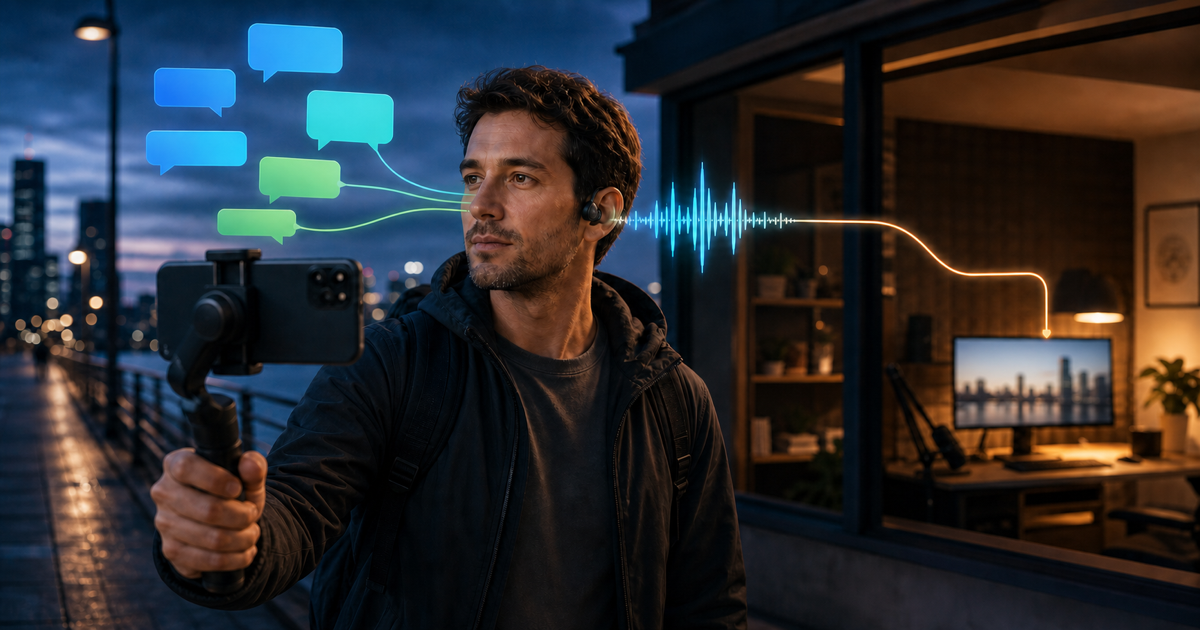
How to Use Twitch and Kick Chat Text-to-Speech While IRL Streaming With OBS
Hear Twitch and Kick chat through text-to-speech during a phone-to-OBS IRL stream, keep it out of the broadcast, and test voice, audio, and recovery.

How to Stop Your Phone Overheating While IRL Streaming to OBS
Prevent phone overheating during IRL streaming to OBS with safer camera settings, shade, ventilation, power planning, and a tested fallback.
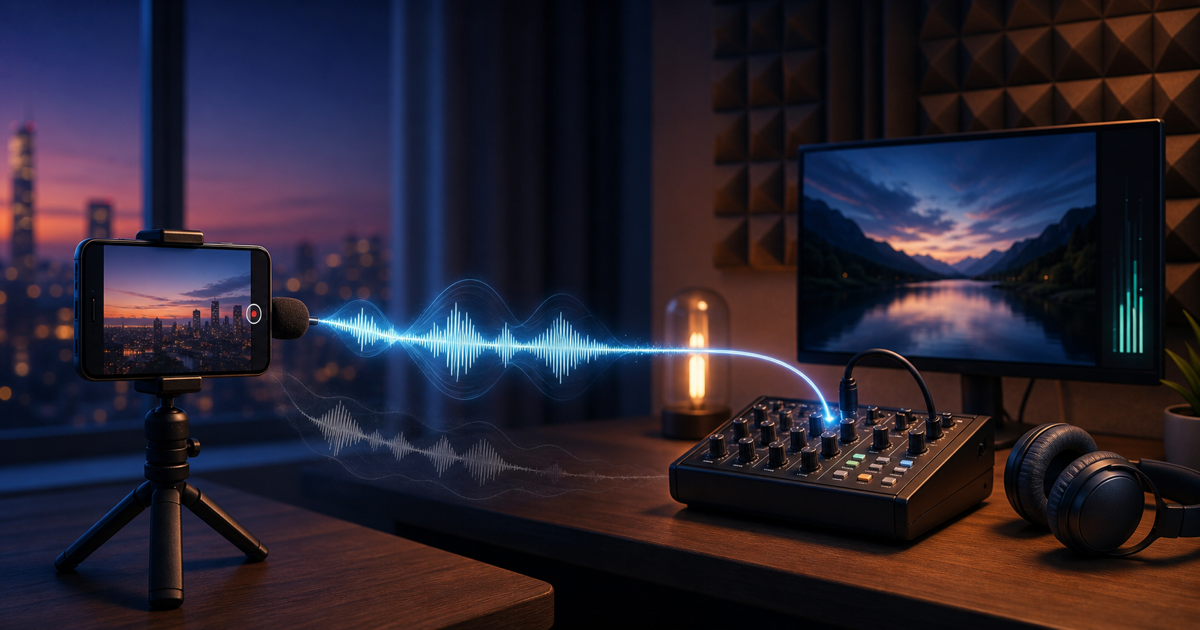
How to Fix Phone Camera Audio in OBS: No Sound, Echo, or Delay
Fix phone-camera audio in OBS: trace silence, remove echo, match delayed sources, set clean levels, and verify the final Twitch or Kick mix.

How VISP Direct Saves Mobile Phone Battery When Streaming
See when VISP Direct can reduce phone workload during multi-platform simulcasting, what remains on-device, and how to test real battery savings.
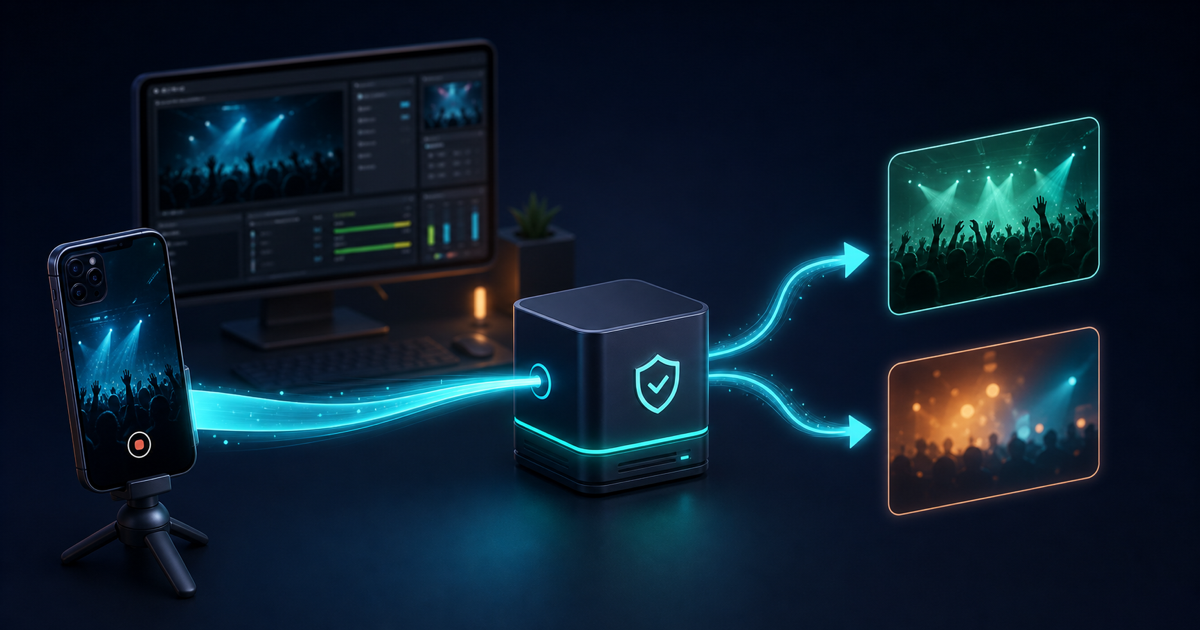
What Is VISP Direct, and Would You Benefit From It?
Learn how VISP Direct sends one phone feed to Twitch, Kick, YouTube, or any combination without OBS, who benefits, and when OBS remains useful.

How to Stream on Kick From Your Phone Through OBS
Stream on Kick from your phone through OBS: keep scenes, alerts, fallback, and the stream key at home while VISP relays the camera feed.

How to Stream on Twitch From Your Phone Through OBS
Stream on Twitch from your phone through OBS while keeping scenes, alerts, fallback, and your Twitch stream key on the home studio computer.
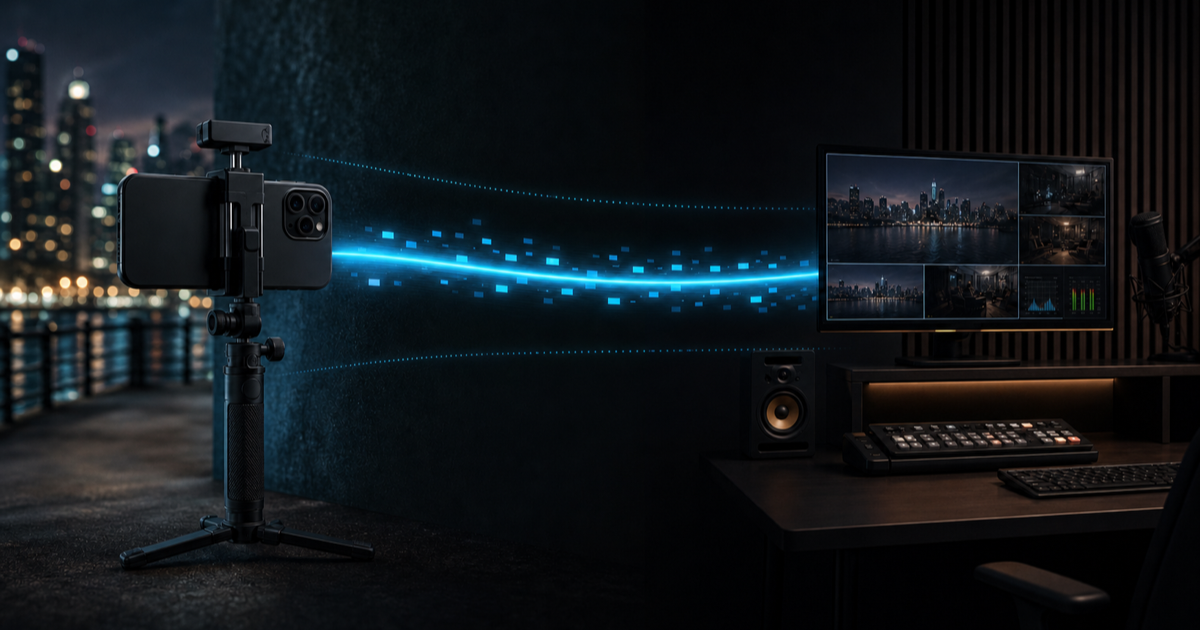
Best Bitrate for IRL Streaming: 720p or 1080p From Phone to OBS?
Choose the best mobile IRL streaming bitrate for 720p or 1080p, budget phone and home bandwidth separately, and test the real route before live.
How to Control OBS From Your Phone Without Port Forwarding
Control OBS from your phone over the internet without port forwarding: pair VISP, start or stop streaming, switch scenes, and test recovery.
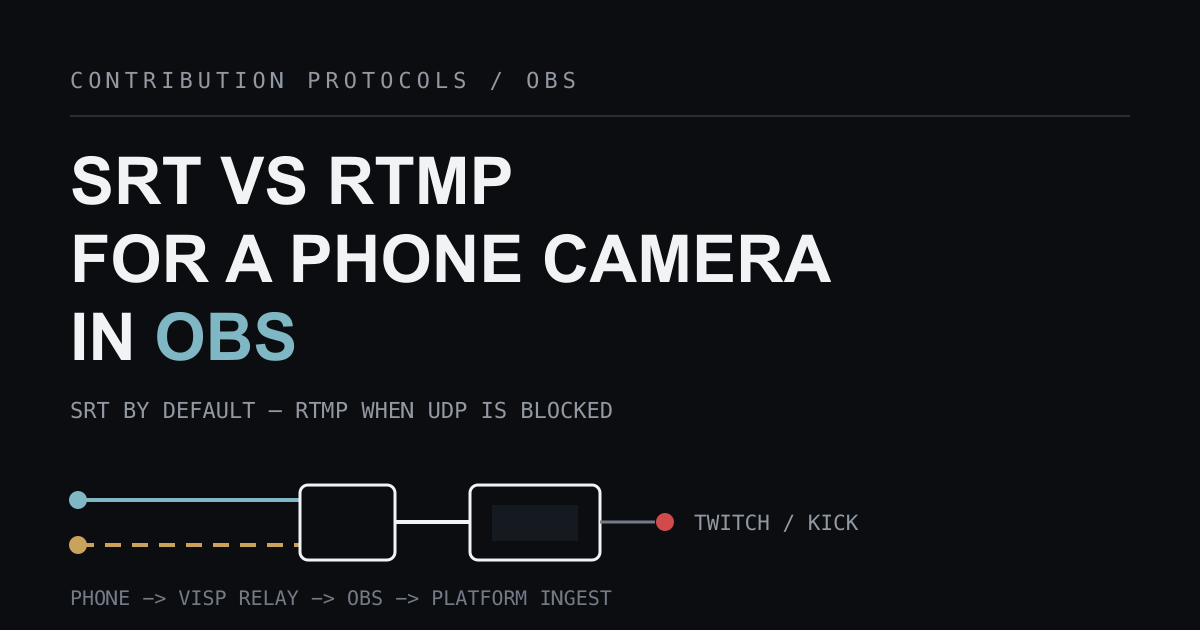
SRT vs RTMP: Which Protocol Should Carry Your Phone Camera Into OBS?
Compare SRT and RTMP for sending a phone camera into OBS: packet recovery, latency you tune, credential limits, and when the RTMP fallback wins.
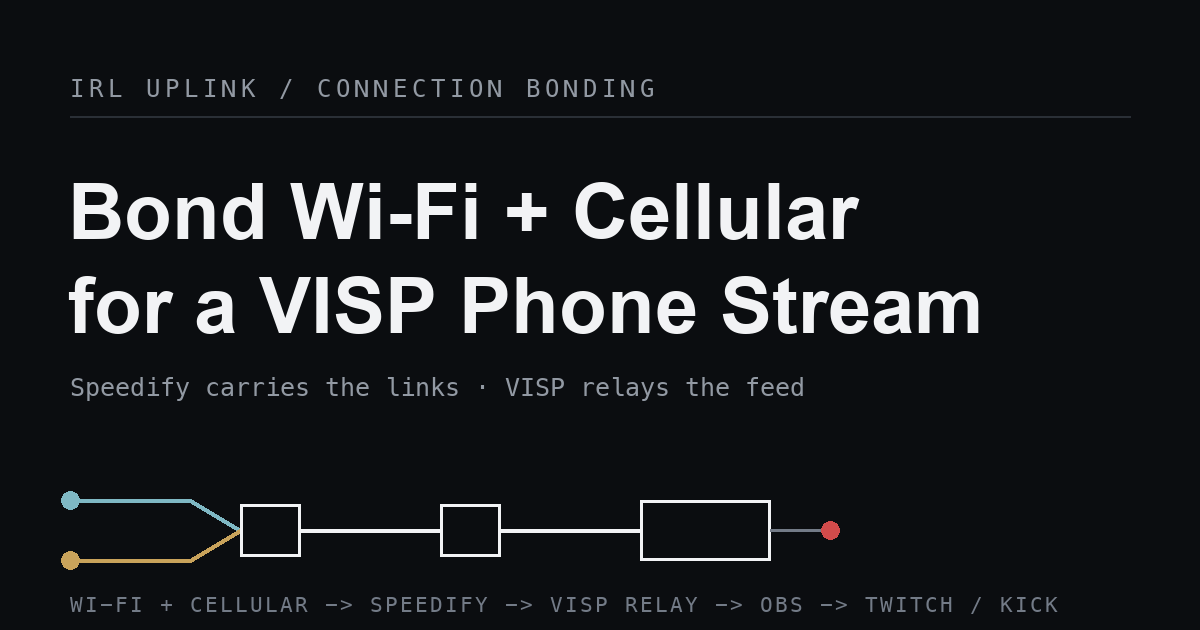
How to Bond Cellular and Wi-Fi for a VISP Phone Stream with Speedify
Compare VISP Native's dual-link packet duplication with Speedify's Wi-Fi and cellular bonding, and learn when each approach helps.
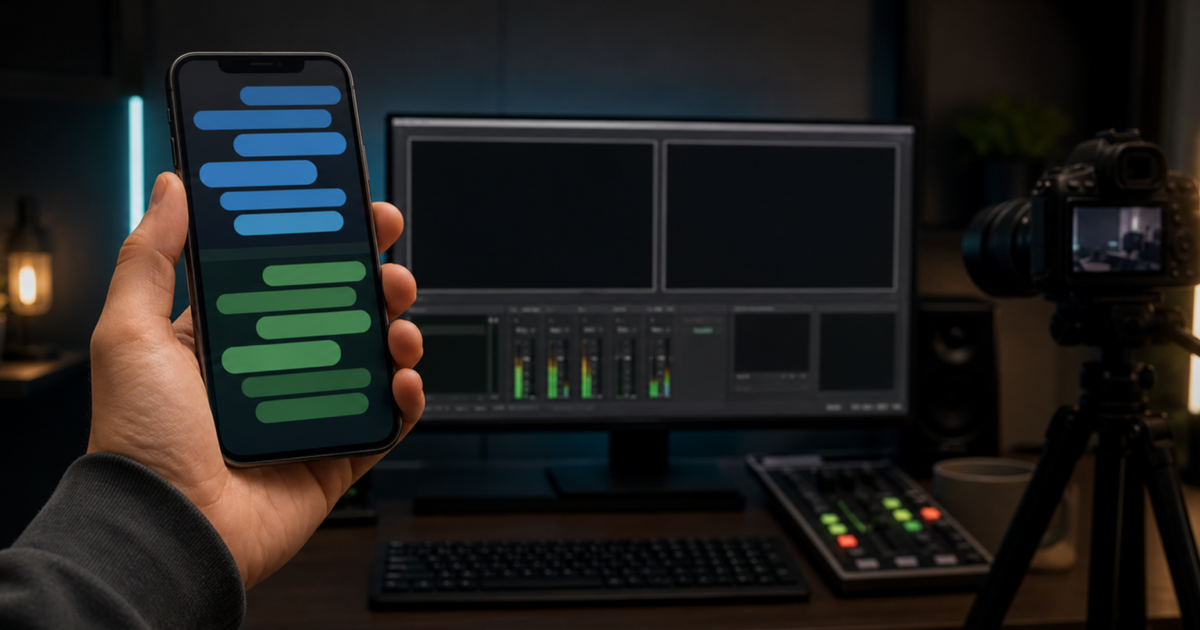
How to Read Twitch and Kick Chat on Your Phone While Streaming With OBS
Read Twitch and Kick chat on one phone while OBS runs the show, choose a private floating view or embedded overlay, and test the setup before live.
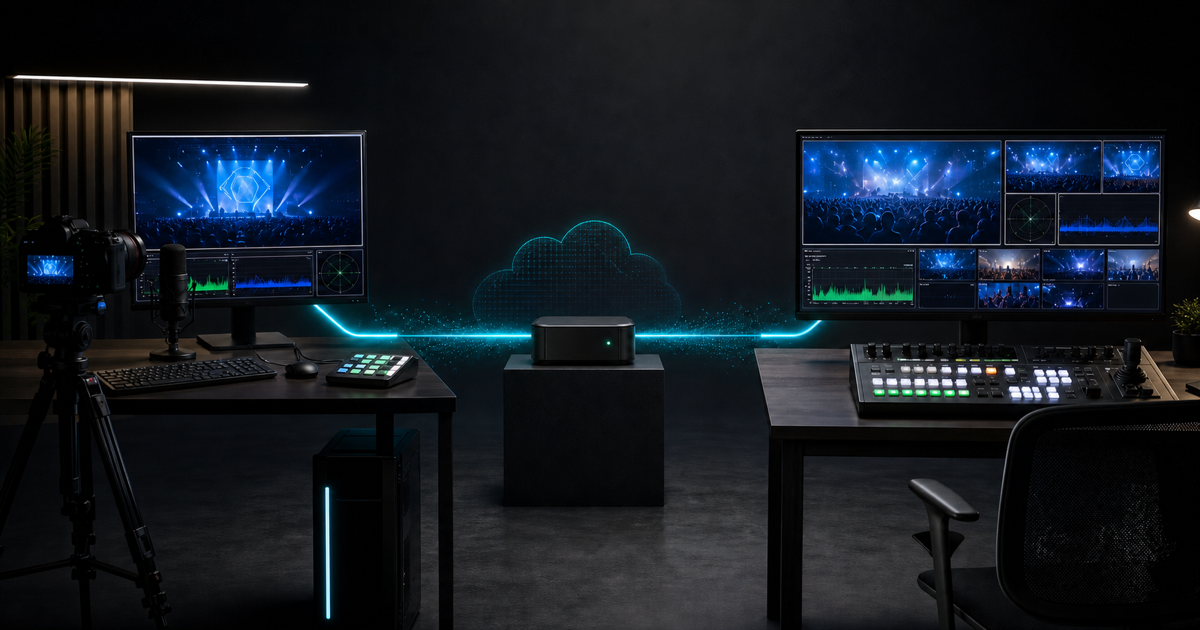
How to Send OBS to Another OBS Over the Internet With SRT
Send one OBS production to another OBS over the internet with SRT through VISP, without port forwarding or moving the final stream key.
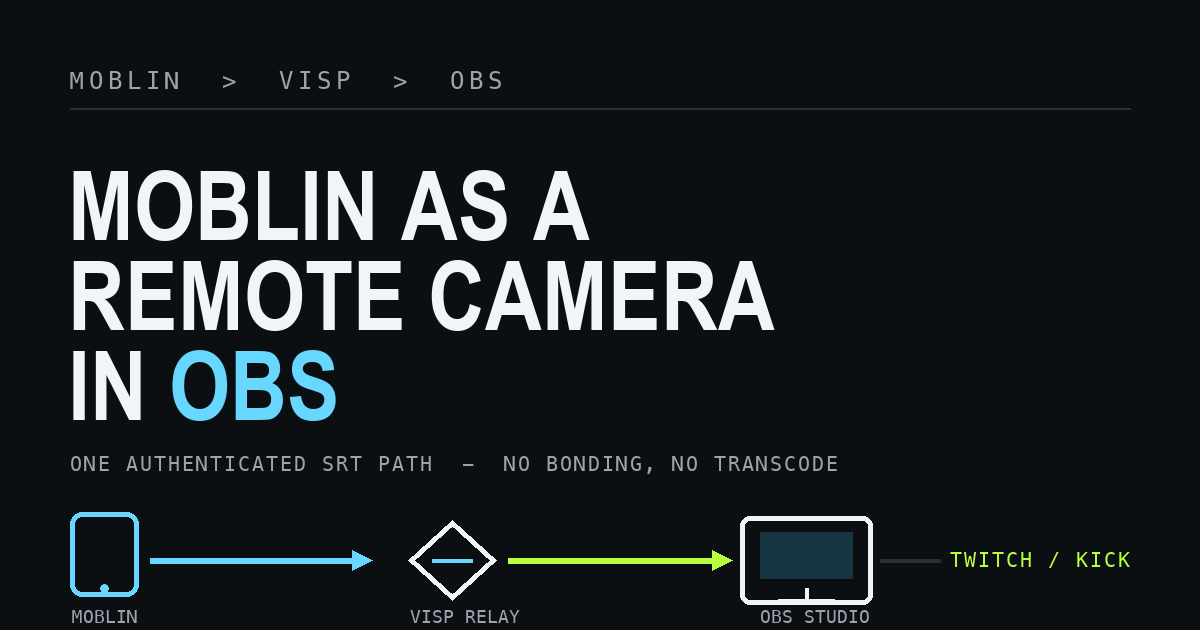
How to Use Moblin as a Remote Camera in OBS Over SRT
Send Moblin's iPhone camera into OBS over SRT through VISP, tune adaptive bitrate and latency, and learn where SRTLA bonding fits and where it does not.
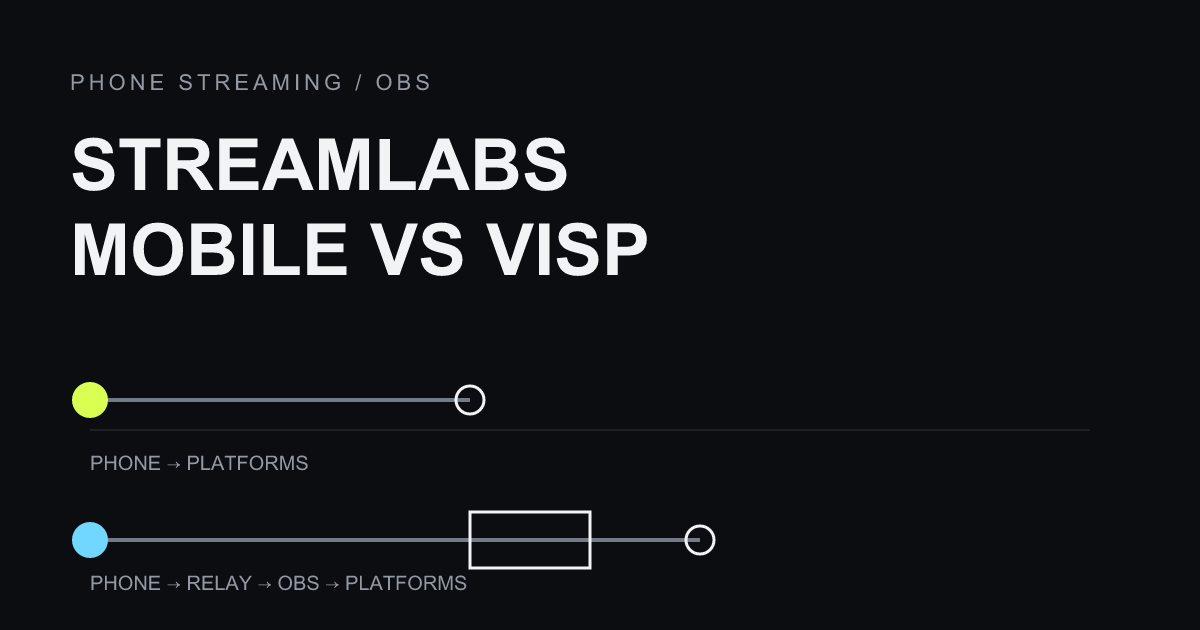
Streamlabs Mobile vs VISP: Publish From Your Phone or Feed OBS?
Compare Streamlabs Mobile's direct phone broadcasting with VISP's phone-as-an-OBS-source workflow, and pick the right fit for your Twitch or Kick production.
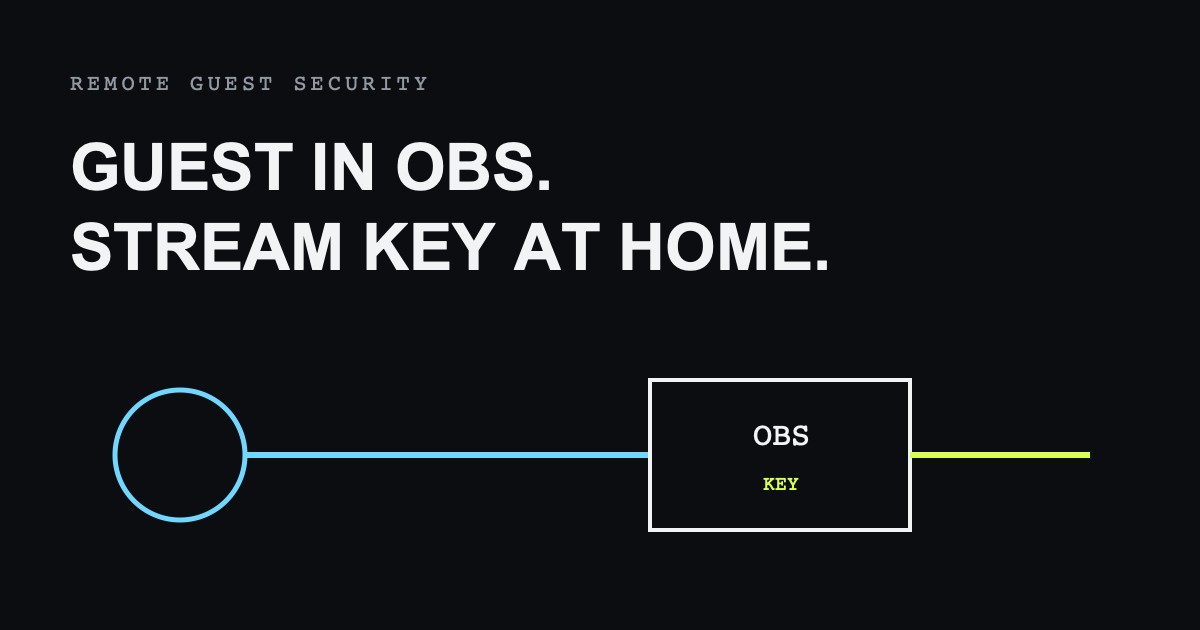
How to Bring a Remote Guest Into OBS Without Sharing Your Stream Key
Bring a remote guest camera into OBS with revocable VISP access while keeping Twitch or Kick credentials and final production control at home.
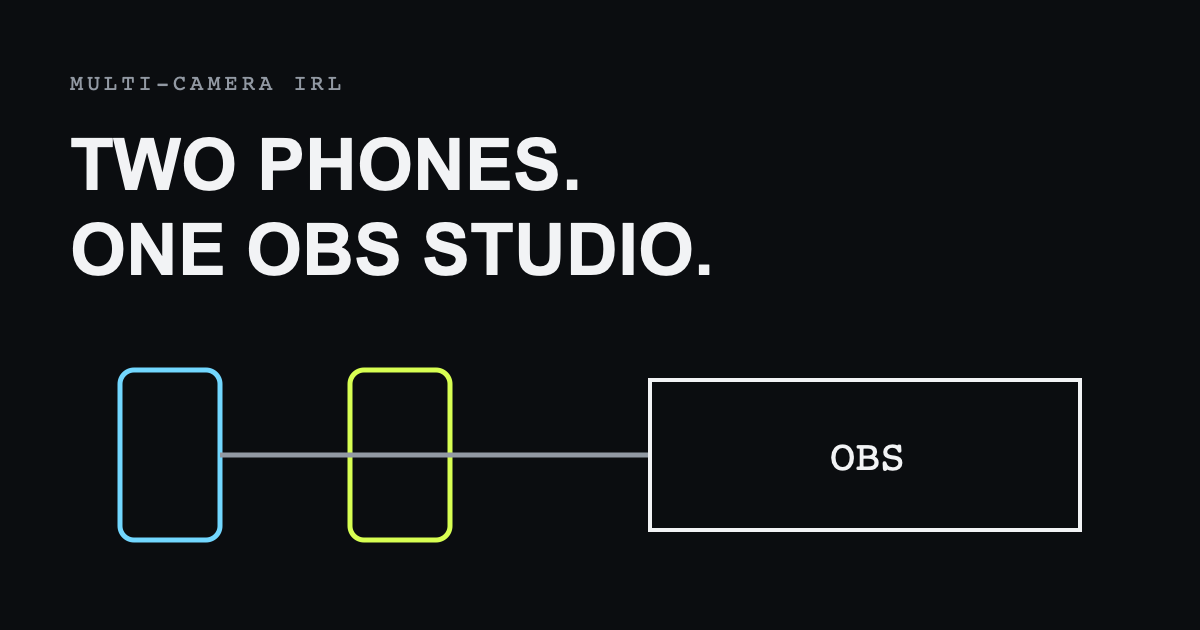
How to Build a Multi-Phone IRL Stream in OBS
Build a multi-phone IRL production with independent VISP camera paths, microphones, credentials, OBS scenes, fallback, and remote control.
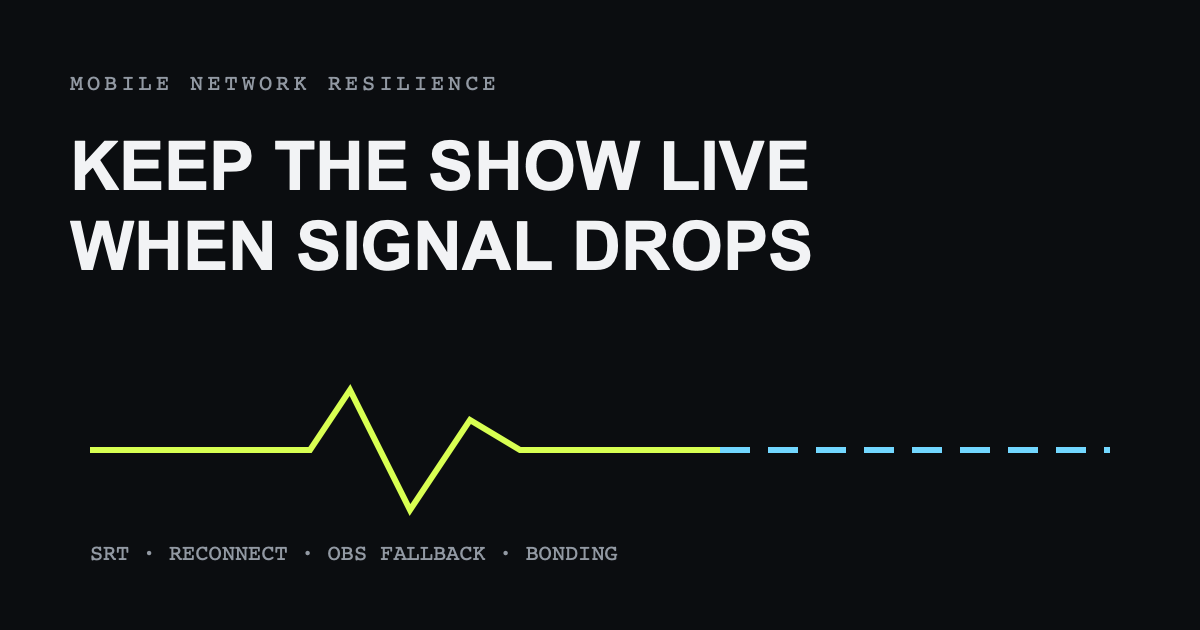
How to Keep Your Stream Live When the Mobile Network Drops
Build a resilient IRL stream with SRT recovery, adaptive bitrate, reconnection, OBS fallback scenes, and honest limits on bad networks.
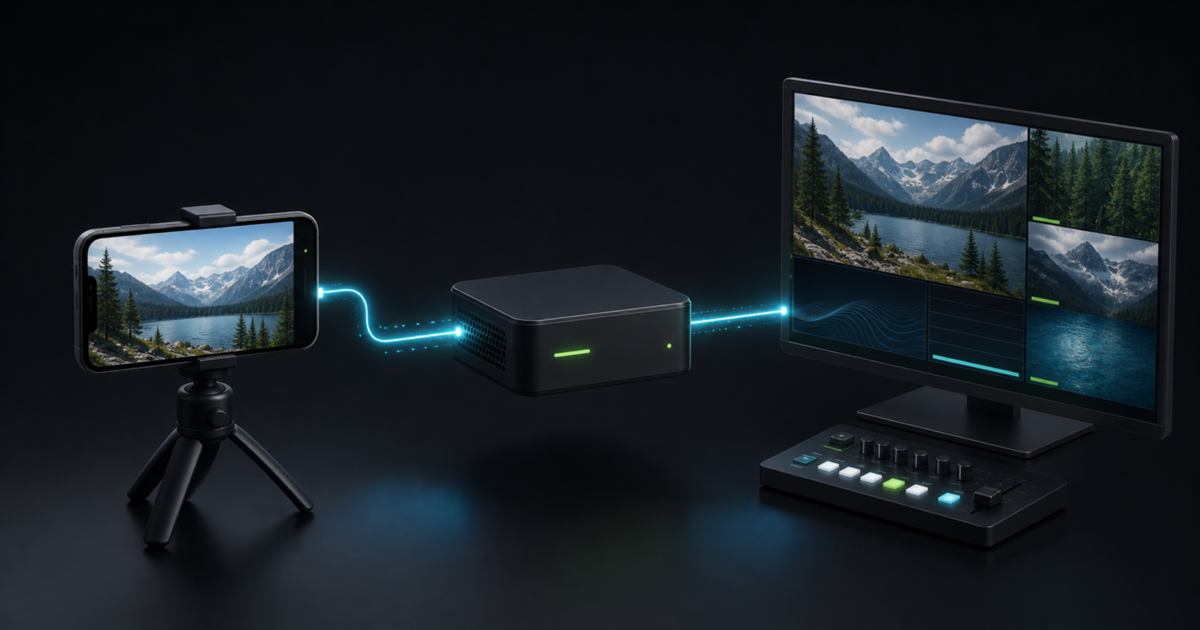
How to Use Larix Broadcaster With OBS Over SRT
Connect Larix Broadcaster to OBS over SRT through VISP, tune mobile bitrate and latency, import the feed, and test recovery before going live.
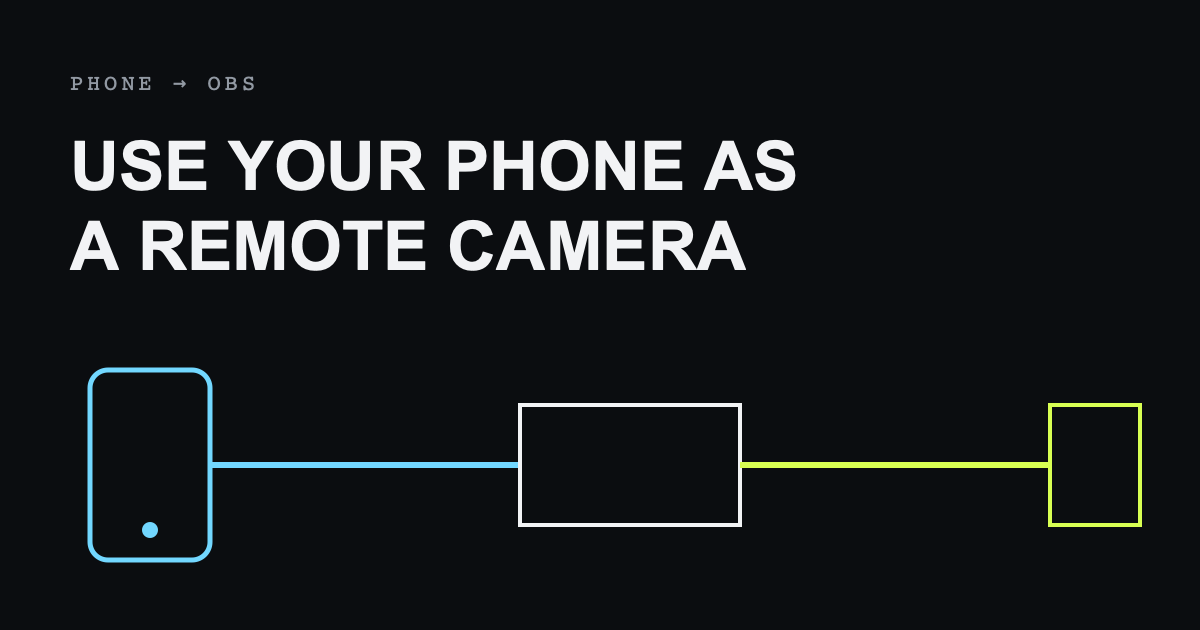
How to Use Your Phone as a Remote Camera in OBS
Send an iPhone or Android camera over the internet into OBS with VISP while keeping your scenes, alerts, controls, and stream key at home.
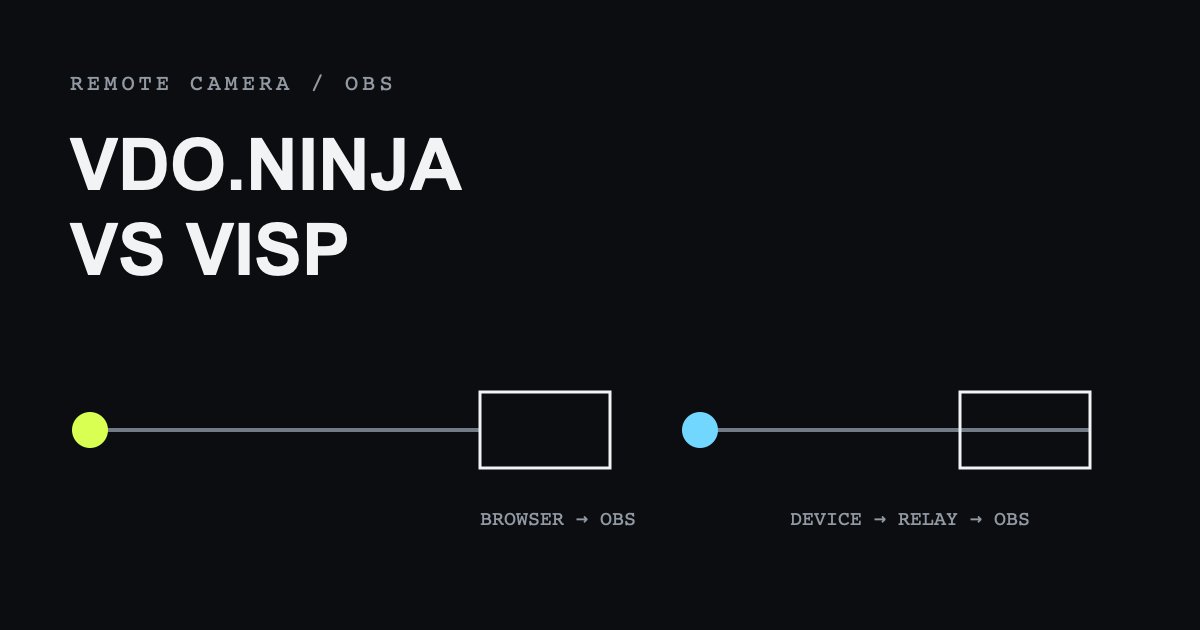
VDO.Ninja vs VISP: Which Is Better for Remote Cameras in OBS?
Compare VDO.Ninja and VISP for remote cameras, guests, latency, security, and repeatable phone-to-OBS live production workflows.
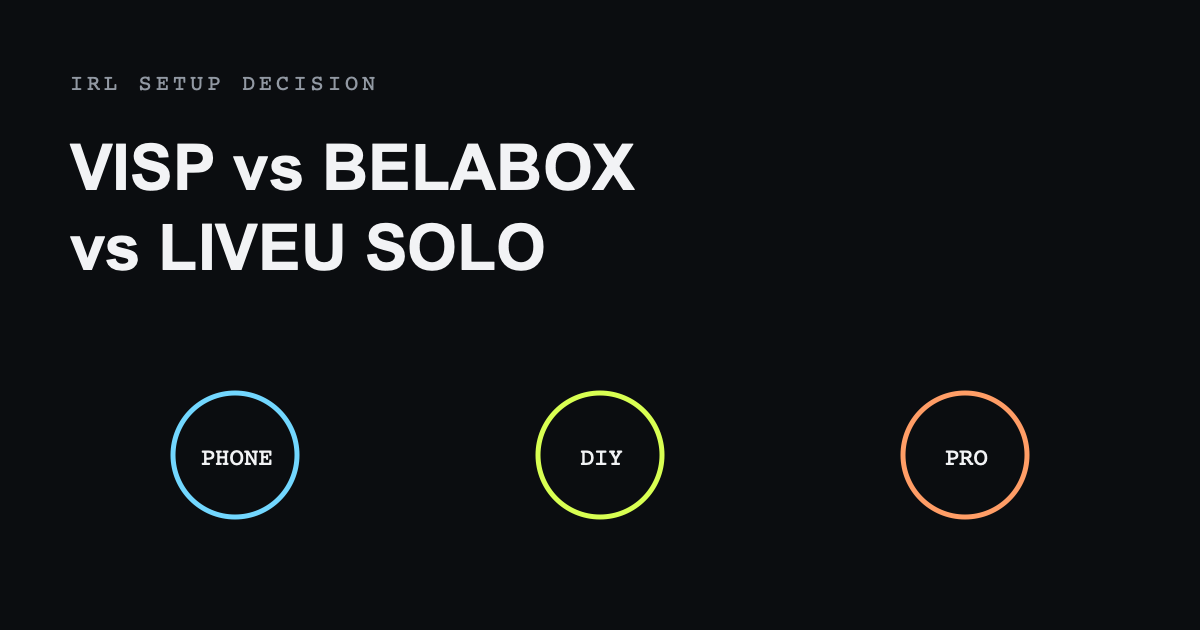
VISP vs BELABOX vs LiveU Solo: Choosing an IRL Streaming Setup
Compare VISP, BELABOX, and LiveU Solo for IRL streaming, network bonding, hardware, OBS production, resilience, and setup complexity.